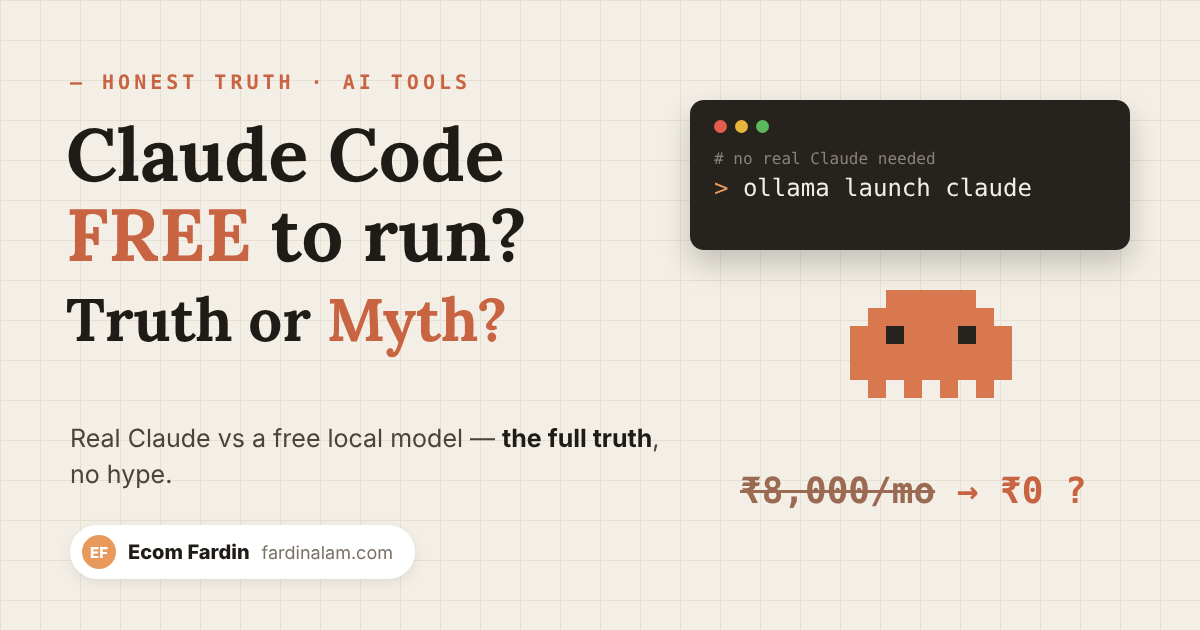
“Claude Code completely free, no Anthropic bill, fully offline” — this post is going around on Instagram. Here’s the full truth today: what’s correct, where people spread wrong information, and the setup that actually works — step by step.
Fardin Alam · Ecom Fardin
~8 min read · An honest review, no hype
Let me be clear up front — in this post I’m not just handing you a “magic command”. I’m giving you the full truth. Coding with free AI is possible, but the way viral posts present it hides two big misconceptions. Let’s break those first.
First, let’s bust 2 myths
Myth 1: “The real Claude runs free and offline”
No. Anthropic’s real Claude models (Sonnet, Opus) cannot run free or offline on your machine — their model weights aren’t public. What actually runs is Claude Code — a terminal tool — which you point at a different, open-source model (Qwen, GLM, DeepSeek). The name “Claude” stays, but the brain (the model) is different. Remember this distinction — everything else depends on it.
Myth 2: “The ollama launch claude command is fake”
Some people (and I, at first) thought this command didn’t exist. That’s no longer true. Ollama added the ollama launch command in version 0.15 — it automatically connects Claude Code (and OpenCode, Codex) to a local or cloud model, with no config file or environment variables. If you get an “unknown command launch” error on an old Ollama, just update Ollama and it will work.
The real truth 👇 You’re running Claude Code, but behind it is a free open-source model — not Claude’s model. It genuinely works, but there are trade-offs. Let’s look at those next.
“Free + Offline + Smart” — you can’t have all three
This is the biggest point no viral post mentions. You can only get two of these three — never all three together:
| Combination | What it is | Catch |
|---|---|---|
| FREE + OFFLINE | Local model — Qwen / DeepSeek / GLM on your machine. ₹0, your code never leaves. | You need 16–32GB+ RAM / a GPU to run a good model, and it’s weaker than Claude. |
| FREE + SMART | Cloud model — Ollama’s cloud models (free tier). Fast and powerful. | It’s not offline — your code goes to a server. The privacy benefit is gone. |
| SMART + RELIABLE | The real Claude — Anthropic’s original model. The strongest and most consistent for client work. | It’s paid — not free or offline. |
So when someone says “frontier-quality Claude, free, offline, ₹0” — they’re hiding this trilemma. The truth is: if you want free + offline, you need a slightly weaker model and good hardware; if you want free + smart, you have to give up offline use and privacy.
Now the full setup — step by step
Here I’m covering the local (free + offline) route, which is right for most people. The cloud option is in the table below too.
Hardware reality check
“Free” doesn’t mean “without a laptop”. For a decent experience you need 16GB RAM at minimum, and 32GB RAM or a GPU is better for a good model. With less RAM, a smaller model will run, but slower and weaker. Keep that in mind.
1. Install Ollama (v0.15+)
Ollama is the engine that downloads and runs the models. You need the latest version (the launch command doesn’t exist in older ones).
# Linux


curl -fsSL https://ollama.com/install.sh | sh


# Mac / Windows: download the installer from ollama.com
After installing, check: ollama -v — the version should be 0.15 or higher.
2. Download (pull) your model
“Coder” models are best for coding. Choose based on your RAM (Q4 quantization = default, ~95% quality):
| Model | Size | Needs |
|---|---|---|
| qwen2.5-coder:7b — solid all-round coder | ~5GB | 16GB RAM |
| deepseek-coder — reasoning + coding | ~5GB | 16GB RAM |
| qwen2.5-coder:14b — better quality | ~9GB | 16GB+ RAM |
| qwen2.5-coder:32b — power tasks, close to GPT-4o | ~20GB | 32GB RAM |
| qwen3-coder:30b — agentic, 256k context | ~19GB | 24GB GPU |
# pick one based on your RAM


ollama pull qwen2.5-coder:7b
Hint: always add the size tag (:7b, :14b) — the untagged default can change.
3. Set the context window to 64k+ (the step people skip)
Coding tools need a large context, but Ollama’s default is small. In Ollama’s settings, set the context length to 64,000 tokens or more — otherwise the model “forgets” half the code and gives poor answers. This one small setting saves the whole experience.
4. Install Claude Code
This is the tool that will read and write your files and run commands.
# Mac / Linux


curl -fsSL https://claude.ai/install.sh | bash


# Windows (PowerShell)


irm https://claude.ai/install.ps1 | iex
5. Launch it on the local model
Now the real command — the one that actually works. It connects Ollama to Claude Code automatically:
# a menu opens — choose a model with the arrow keys


ollama launch claude


# or specify the model directly


ollama launch claude --model qwen2.5-coder:7b
Claude Code will ask for access to the current folder — press Yes. That’s it — you’re now running Claude Code on a free model on your own machine.
6. Confirm which model is running
Inside Claude Code, type /model. If you see your local model (e.g. qwen2.5-coder), setup is complete. Now just say in plain English: “create a Python script in this folder that…” and it will do the work.
Scared of the terminal? The no-code route: install the Continue.dev or Cline extension in VS Code, choose “Ollama” as the provider, and select your model — you’ll get the same free local AI inside your editor without any commands. LM Studio also offers a friendly window.
The truth checklist — gotchas nobody tells you
- Tool calling: For Claude Code to read/write files, the model needs “tool use” support. On an old Ollama or some models this doesn’t work — Claude Code will then just chat like a normal chatbot and won’t touch your files. Keep Ollama up to date.
- Speed: On a weak laptop, a local model can take 30–60 seconds to answer even “2+2”. A GPU or more RAM removes this pain.
- Cloud ≠ private: If you use a cloud model like –model qwen3.5:cloud, it’s fast and free, but your code goes to Ollama’s servers — the “offline/private” benefit is gone.
- Quality: Even the best open-source coder isn’t as consistent as the real Claude Sonnet/Opus — fine for small scripts, but you’ll notice the difference on big, complex client projects.
- “Free” hides the hardware cost: a good 32GB Mac or GPU isn’t cheap. Free means “no extra bill if you already have the hardware”, not completely free.
So when should you spend money?
The honest answer: a free local model is great for learning, side projects and privacy-sensitive code. But when you’re doing client work, handling a big repo, or speed and reliability matter — that’s when a subscription to the real Claude (or another paid frontier model) is worth every penny. Using both together is the smartest move: local for everyday work, paid for serious deliverables.
FAQ
Does this give me the “real Claude” for free?
No. You get Claude Code (the tool), running on a free open-source model (Qwen/DeepSeek/GLM). Anthropic’s real Claude model doesn’t run free or offline.
What’s the best free coding model?
With 16GB RAM, start with qwen2.5-coder:7b or deepseek-coder. If you have 32GB or a GPU, qwen2.5-coder:32b or qwen3-coder:30b are quite powerful.
Will it work without internet?
Yes — if you use a local model. After the one-time download, the whole setup runs offline. Cloud models (:cloud) need internet.
Why can’t my Claude Code read/write files?
This usually happens because the model lacks tool-calling support, or your Ollama is outdated. Update Ollama and use a tool-capable coder model (like qwen2.5-coder).
Can it run on a phone?
Practically, no — good coding models need laptop/PC-level RAM. Phones can only run very small models that are too weak for coding.
Author: Fardin Alam (Ecom Fardin) · Honest content on AI tools, ecommerce and earning online. · Last updated: June 2026.